



Aller au contenu
View in the app

A better way to browse. Learn more.

Forum Avex

A full-screen app on your home screen with push notifications, badges and more.

To install this app on iOS and iPadOS
  1. Tap the Share icon in Safari
  2. Scroll the menu and tap Add to Home Screen.
  3. Tap Add in the top-right corner.
To install this app on Android
  1. Tap the 3-dot menu (⋮) in the top-right corner of the browser.
  2. Tap Add to Home screen or Install app.
  3. Confirm by tapping Install.

Classement

Contenu populaire

Affichage du contenu avec la meilleure réputation le 23/03/2026 dans Messages

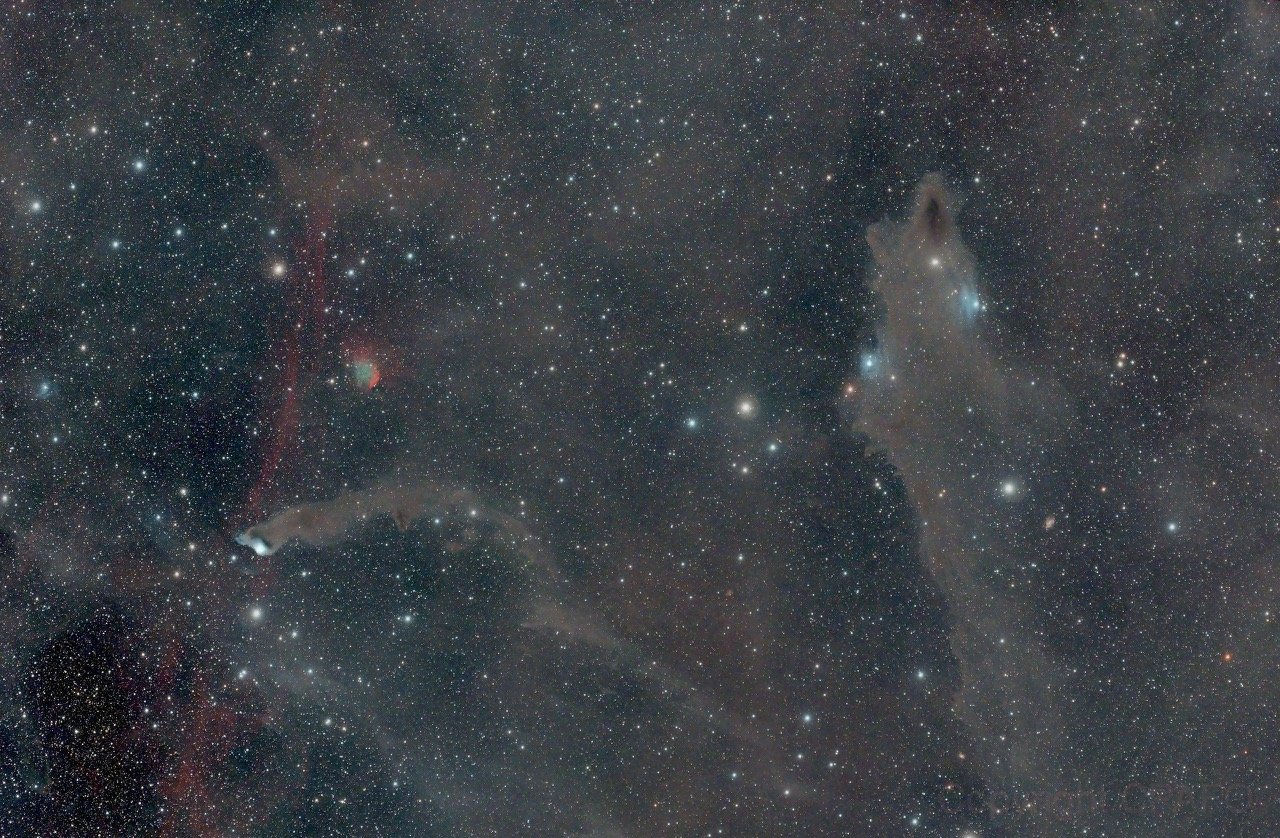
  1. Salut La Team DORA, belle cible d'hiver que votre emplacement en Espagne permet d'aller chercher 😀 Pas une cible simple, pas super grande et assez basse quand même Pour les couleurs, chacun fait ce qu'il veut et c'est bien traité par ailleurs donc bravo
Ce classement est défini par rapport à Paris/GMT+02:00

Information importante

Conditions générales

Account

Navigation

Rechercher

Rechercher

Configure browser push notifications

Chrome (Android)
  1. Tap the lock icon next to the address bar.
  2. Tap Permissions → Notifications.
  3. Adjust your preference.
Chrome (Desktop)
  1. Click the padlock icon in the address bar.
  2. Select Site settings.
  3. Find Notifications and adjust your preference.