




MadMax
Avexiens
-
Inscription
-
Dernière visite
Tout ce qui a été posté par MadMax
-
Bonjour et bienvenue 👋 Je pense que tout le monde se souvient de la première fois qu'il a vu les anneaux de Saturne ! Oui le club du même nom : L'Avex pour Astronomie du Vexin, basé à epiais rhus dans le 95 aux portes du Vexin. En espérant te rencontrer un jour 👍
-
Re-bonjour, J'ai eu une révélation dans la voiture : je me souviens avoir parlé avec toi et de microscope lors de la soirée publique, accompagné si je me rappelle bien ! Bienvenue dans le club !
-
Bonjour, Virement effectué à l'instant (certainement effectif seulement milieu de semaine prochaine...) Maxime Fleury
-
Merci, Pas grand chose effectivement, c'était plus une tournure de phrase 😅 J'essaierai d'être présent pour la 1ere réunion et je connais déjà quelqu'un qui est dans l'association. Bien à vous !
-
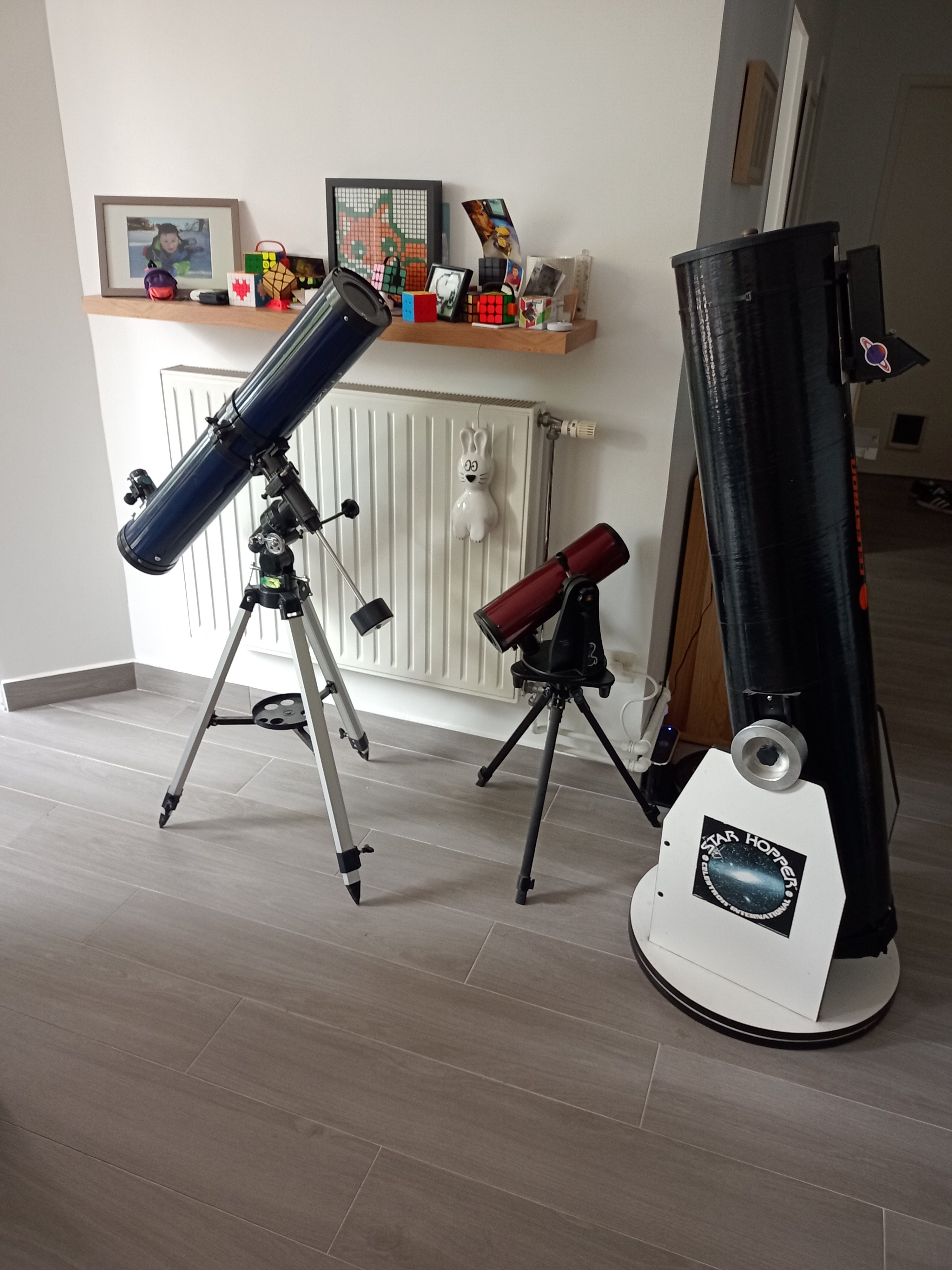
Bonjour 👋 Astronome (très) amateur depuis 1 an environ j'ai en ma possession un celestron starhopper 8' (quasiment une pièce de musée 😅) un mizar 114/900 pour me faire la main sur monture équatoriale et un orion Skyscanner 100/400 de "voyage". Équipé d'une petite caméra bresser mikrokular et d'un filtre solaire mes prochaines missions sont des photos potables de Saturne et Jupiter, un transit de l'ISS devant la lune ou le soleil 🤞 et peut-être une inscription à l'avex ? Bien à vous !