




Classement



Contenu populaire
Affichage du contenu avec la meilleure réputation le 05/10/2026 dans toutes les zones
-
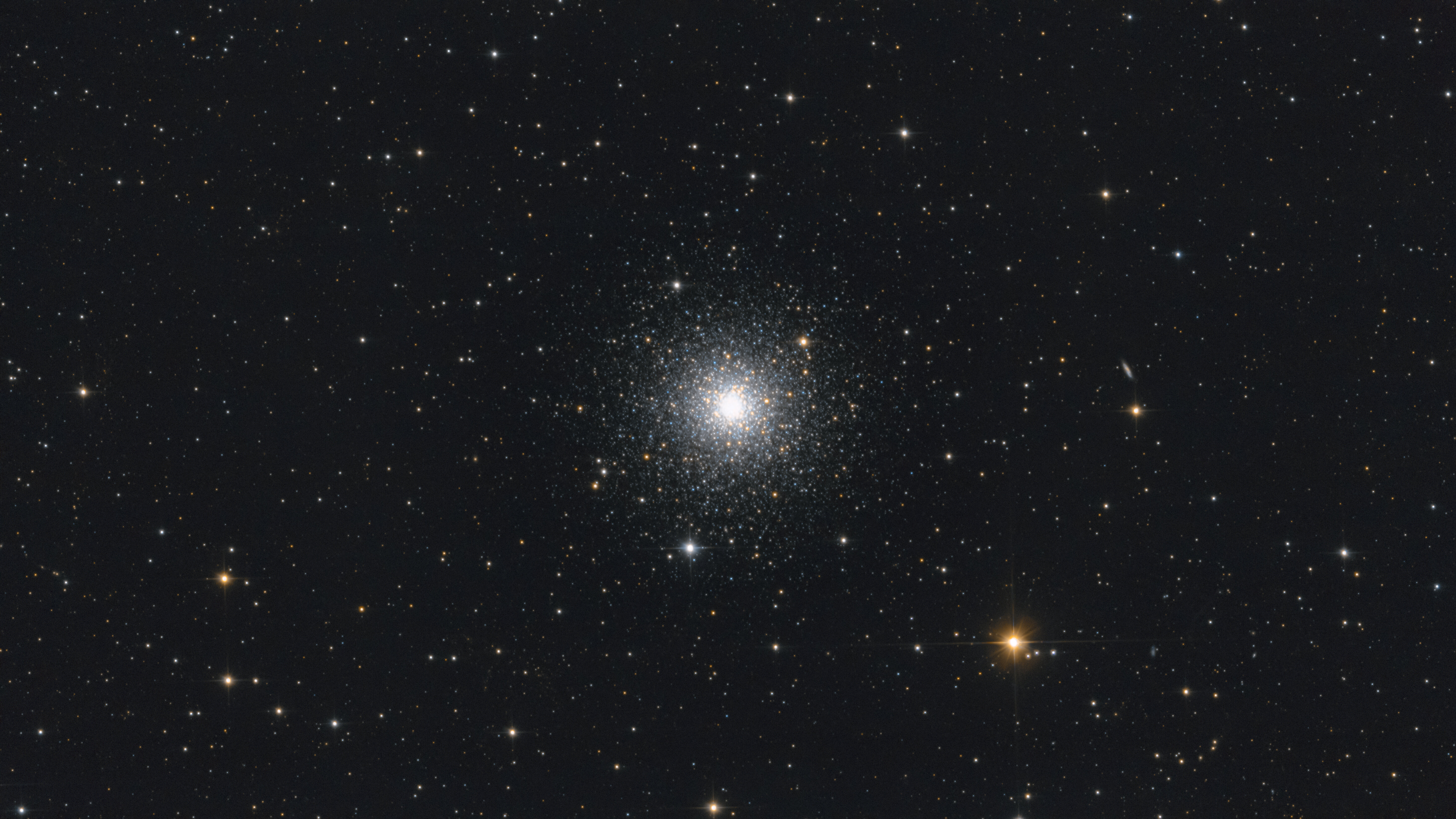
Hello, Voici le 5ème objet du Quervex 2026 avec le setup lourd, l'amas M3 : 🔭 Matériel : Camera : Canon 2000D avec Correcteur de coma Sky-Watcher pour Newton Télescope : Sky Watcher 150/750 Monture : Sky Watcher EQ6-R 🎯 Guidage : Camera : ZWO ASI 224MC Lunette : Sky Watcher Evoguide 50mm Logiciel : PHD2 ⚙️ Acquisition : Logiciel : N.I.N.A Poses : 120 x 180s (6h00) - ISO 1600 🔬Calibration : Dark : 18 Offset : 125 Flat : 34 💻 Traitement : Logiciels : Siril - Photoshop Photo disponible sur : Flickr : https://www.flickr.com/photos/189339341@N03/55282999209 Astrobin : https://app.astrobin.com/i/1s96p8
 1 point
 -
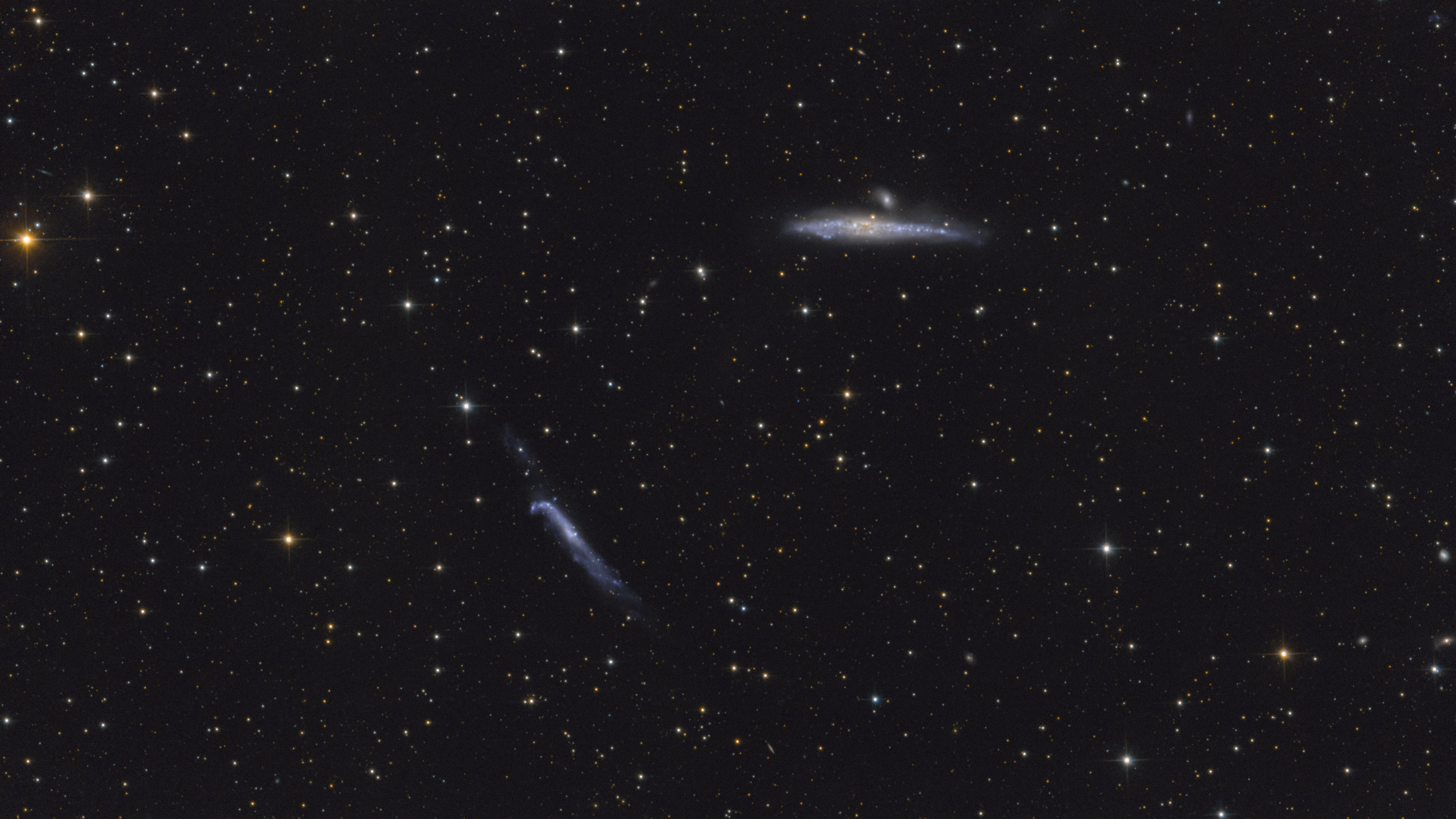
Hola, Voici le 4ème objet du Quervex 2026 avec le setup lourd, NGC4631 et NGC4656 : 🔭 Matériel : Camera : Canon 2000D avec Correcteur de coma Sky-Watcher pour Newton Télescope : Sky Watcher 150/750 Monture : Sky Watcher EQ6-R 🎯 Guidage : Camera : ZWO ASI 224MC Lunette : Sky Watcher Evoguide 50mm Logiciel : PHD2 ⚙️ Acquisition : Logiciel : N.I.N.A Poses : 135 x 180s (6h45) - ISO 1600 🔬Calibration : Dark : 55 Offset : 125 Flat : 34 💻 Traitement : Logiciels : Siril - Photoshop Photo disponible sur : Flcikr : https://www.flickr.com/photos/189339341@N03/55276282550 Astrobin : https://app.astrobin.com/i/l03dkk
 1 point
 -
Belle réussite, je ne connaissais pas.1 point
-
J'aime bien. Surtout la couleur des vieilles étoiles1 point
-
Guillaume a fait une version avec le FDC plu sombre mais on ped des détails dans la nébuleuse.1 point
-
J'aime beaucoup Mathis 👏1 point
Ce classement est défini par rapport à Paris/GMT+02:00