


Aller au contenu
View in the app

A better way to browse. Learn more.

Forum Avex

A full-screen app on your home screen with push notifications, badges and more.

To install this app on iOS and iPadOS
  1. Tap the Share icon in Safari
  2. Scroll the menu and tap Add to Home Screen.
  3. Tap Add in the top-right corner.
To install this app on Android
  1. Tap the 3-dot menu (⋮) in the top-right corner of the browser.
  2. Tap Add to Home screen or Install app.
  3. Confirm by tapping Install.

Classement

Contenu populaire

Affichage du contenu avec la meilleure réputation le 14/09/2026 dans Messages

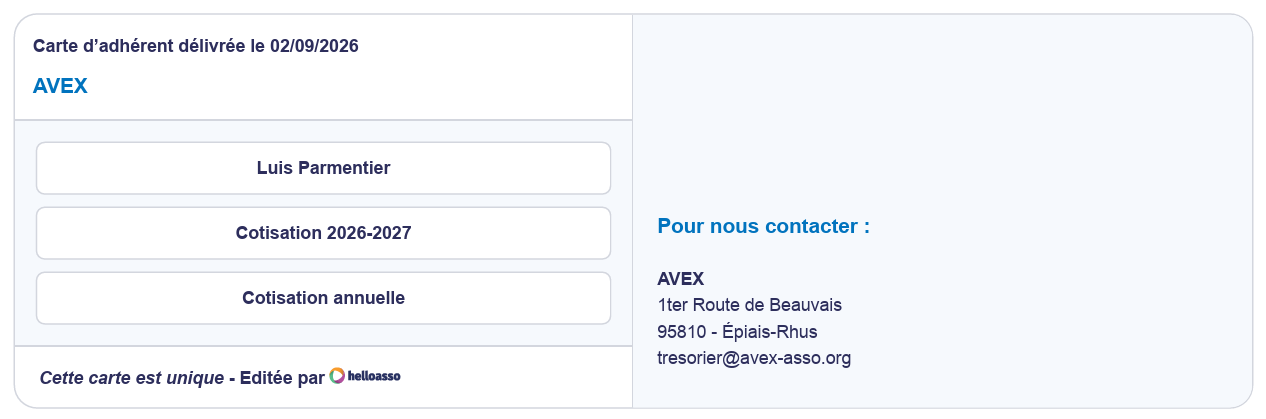
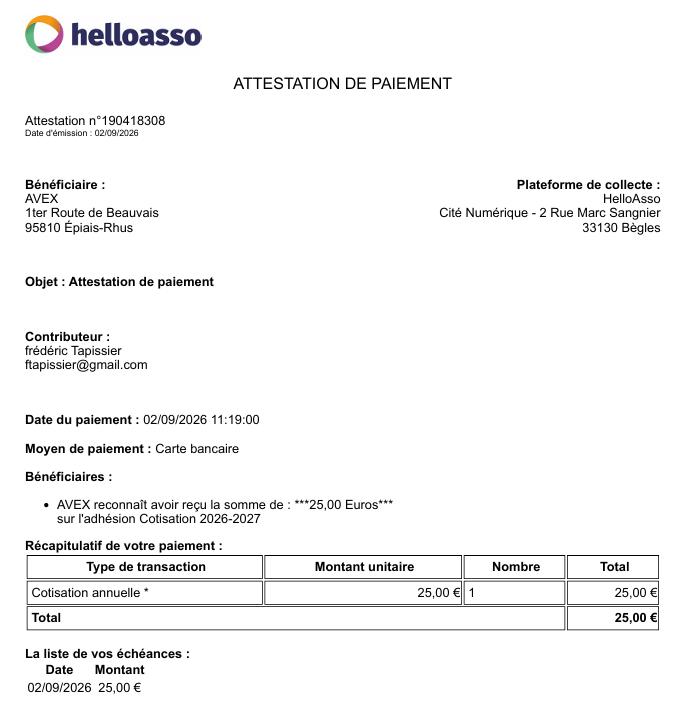
  1. Payé via helloasso Merci
  2. Payé sur helloasso merci Christophe J
  3. Bonjour Virement fait ce jour sur compte du club
  4. Hello cotisation payée 🤗 ( Anne-Marie WALTREGNY)
  5. Hola, Cotisation payée le 05/09/2026
  6. C'est reparti pour 1 an (via hello asso) !
  7. Cotisation réglée via HELLOASSO
  8. Cotisation réglée via HELLO ASSO Merci Joseph
  9. A payé sur HelloAsso, j'ai ma jolie carte de membre :-)
  10. Hello, Cotisation faite depuis Helloasso. Bonne journée
  11. Reglé ! Par Hello Asso
  12. Cotisation payée via Hello-Asso Bon ciel à tous
  13. Cotisation payée via Hello Asso Merci Joseph.
  14. Cotisation payée via Hello-Asso
  15. Virement effectué. Bonnes nuits d'observation.
  16. Payé pour ma part. Thierry Garreau Bon ciel à vous tous
  17. À cotisé (via hello)
Ce classement est défini par rapport à Paris/GMT+02:00

Account

Navigation

Rechercher

Rechercher

Configure browser push notifications

Chrome (Android)
  1. Tap the lock icon next to the address bar.
  2. Tap Permissions → Notifications.
  3. Adjust your preference.
Chrome (Desktop)
  1. Click the padlock icon in the address bar.
  2. Select Site settings.
  3. Find Notifications and adjust your preference.